SUNBERRY SIMS 4 CC FOLDER
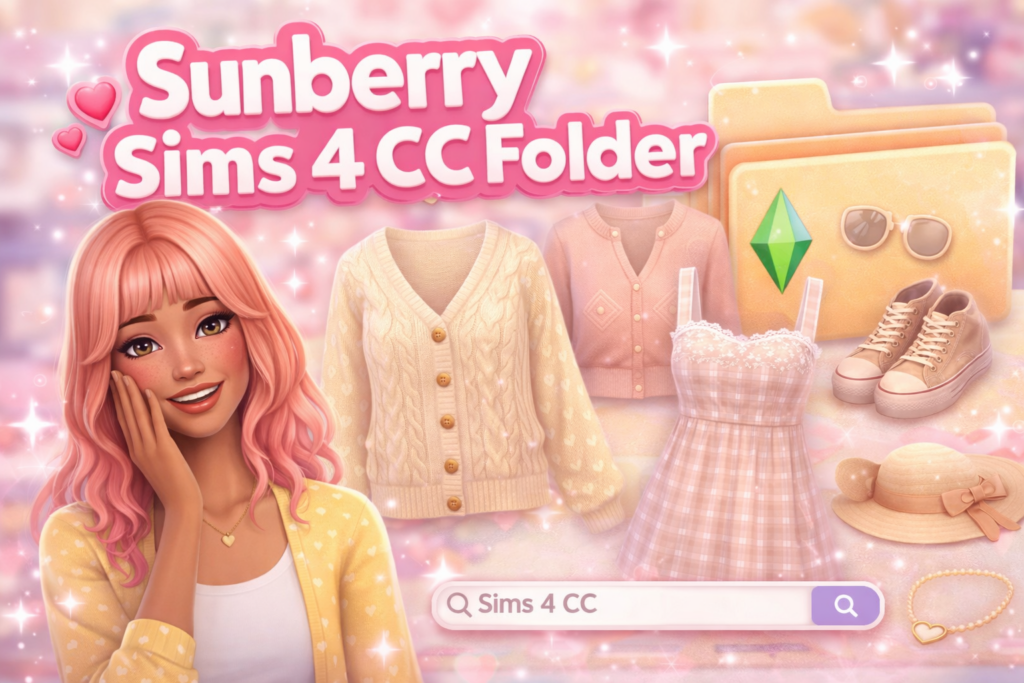
If you love soft, cozy Create-a-Sim styles, the Sunberry Sims 4 CC folder is a perfect way to refresh your game without spending hours searching downloads. Sunberry-style custom content is known for cute details, soft textures, and wearable everyday outfits that fit naturally into gameplay. Instead of opening dozens of tabs, a curated CC folder lets you install everything at once and immediately upgrade your Sims’ wardrobe.
This Sims 4 CC folder focuses on casual outfits, hairstyles, accessories, and matching pieces that work well for teens, young adults, and family gameplay. You’ll find comfy tops, aesthetic dresses, cozy sweaters, and mix-and-match pieces that look good in both screenshots and normal play sessions. Many players prefer folders like this because the items blend nicely with Maxis Match content and don’t feel overly shiny or unrealistic in game.
Installing the folder is simple. After downloading, extract the ZIP file and move the files into your Documents → Electronic Arts → The Sims 4 → Mods folder. Make sure custom content is enabled in your game settings, then restart The Sims 4. The items will appear automatically in Create-a-Sim, ready to use. If you already use a lot of CC, adding folders slowly and keeping categories organized can help your game load faster.
Curated folders are especially helpful for new saves, legacy challenges, and storytelling players who want a full wardrobe quickly. Instead of building your collection piece by piece, you instantly get a themed set of custom content designed to work together.
You may also like other downloads such as Sims 4 hair folders, clothing CC folders, and kids CC packs to complete your game and keep your Sims looking updated.