Small animation changes can give familiar Sims 4 activities a fresh feel. These eight free Simkatu finds focus on seated meals, painting, computer use, phone calls, homework, journals, television and reading. They are useful choices when you enjoy everyday screenshots and quieter moments between your bigger gameplay plans.
Each section links to the original creator post, with the official preview and important version or conflict notes. Some releases are animation replacements, while others change object textures or include optional objects; the descriptions explain what each download actually does.
Public access checked October 9, 2026. Simkatu’s official status page lists all mods as compatible with patch 1.128, dated September 22, 2026. This is the creator’s compatibility statement; these downloads have not been tested in-game here. If your game version differs, check the latest status before installing.
01. Eating at the Table Animation Override
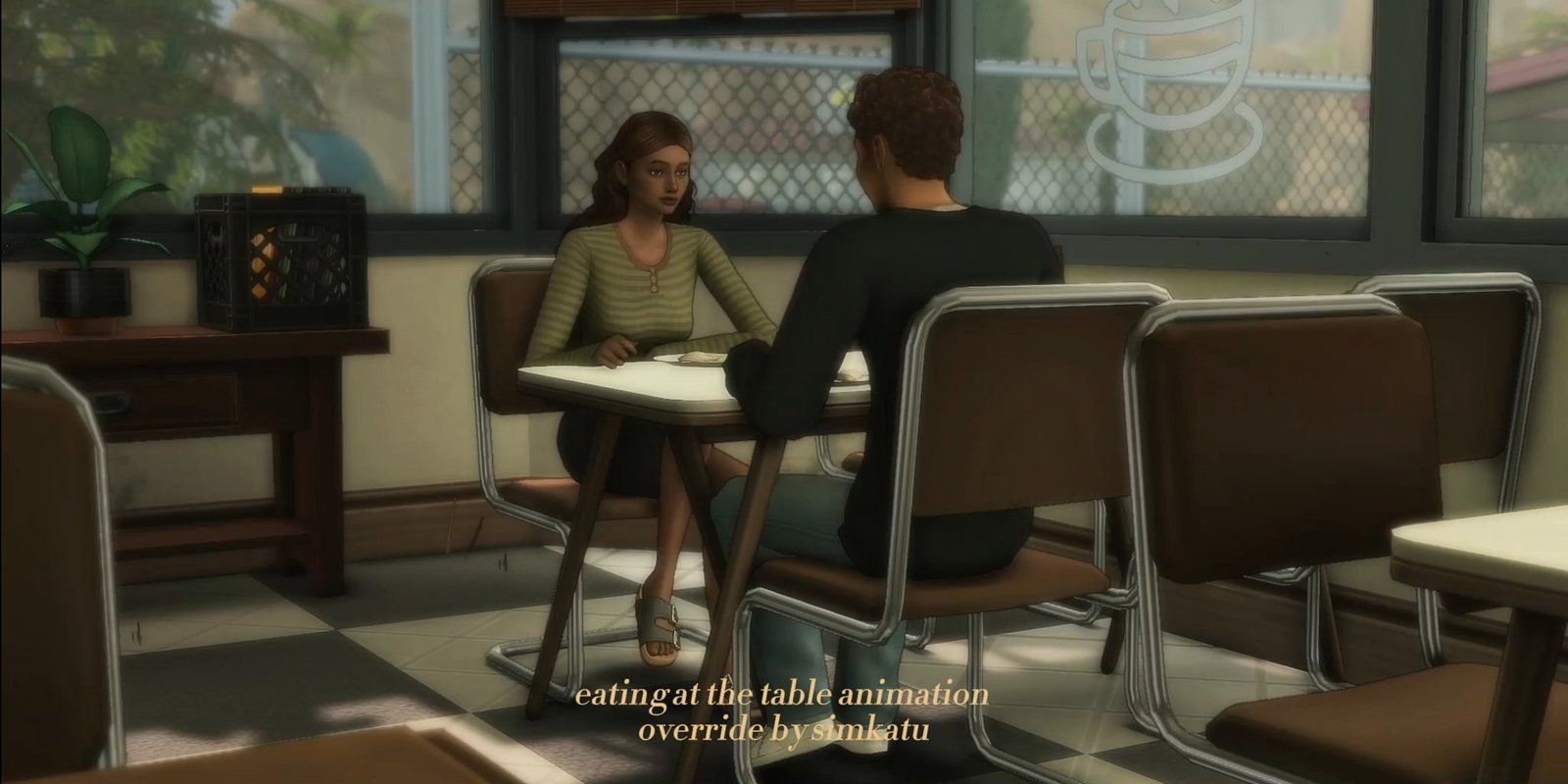
Make mealtimes feel a little different with an override for seated eating at dining, picnic and desk tables, with booth support added in an update. It applies to teens through elders and includes two animation styles based on gender. Handheld items such as ice cream cones use different behaviour, so this is not a replacement for every eating action. The creator’s optional animation-selection mod can change the style for individual Sims. Download the current package from the original post.
02. Painting Animations, Mini Easels & Canvas Override
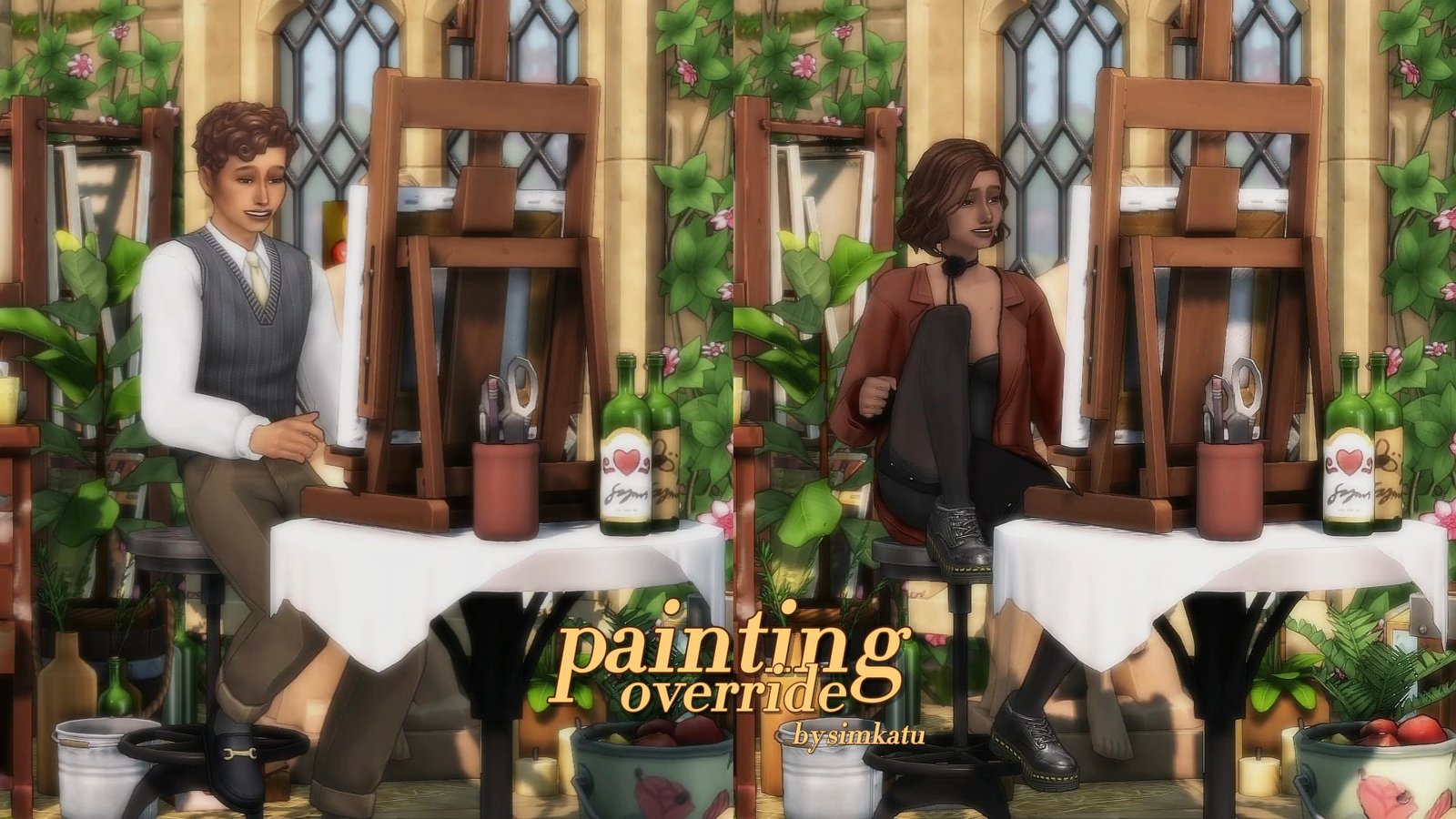
Simkatu’s painting release combines a seated animation override with optional tabletop mini easels and canvas-frame replacements. The animation affects small and medium paintings for teens through adults; large paintings and elders retain default behaviour. Pick one animation version and one canvas-frame version if you want those extras. The painting override conflicts with Zulf’s Kids Sims Can Paint and Zero’s Painting Gameplay Rebalance. The canvas override also conflicts with MizoreYukii’s No Fade on Everything.
03. Computer Animation Override
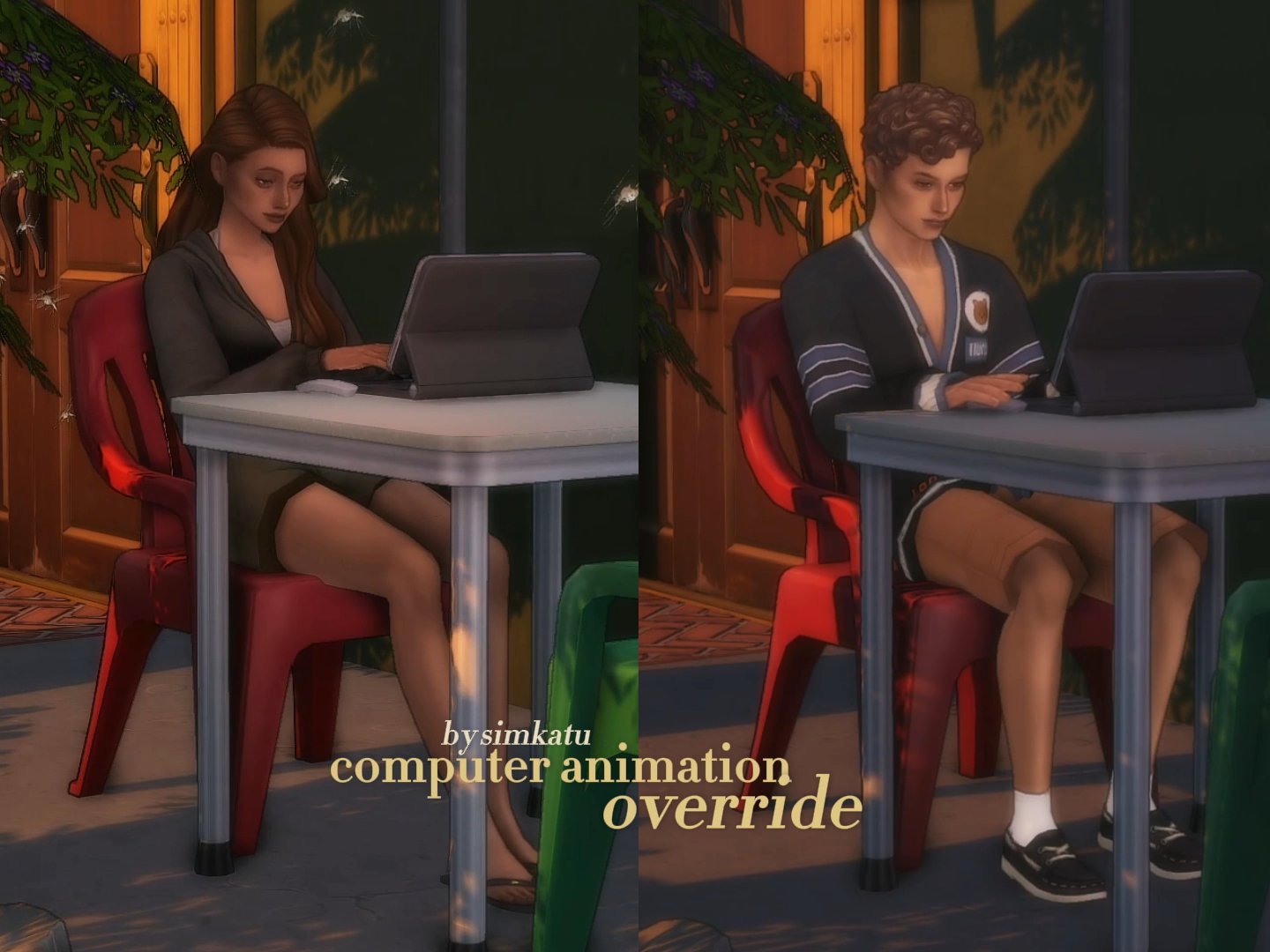
Give computer time a more relaxed look with two replacement seated poses for teens through elders. The override affects computer actions at desks and dining tables, while other surfaces such as bars, kotatsu and picnic tables use default animations. It is a nice visual change for homework, gaming or working-from-home scenes. Seat and body shapes can still cause imperfect alignment, and the creator lists an additional conflict on the original page. Check those notes before adding it to a heavily modded game.
04. Phone Call Animations Override
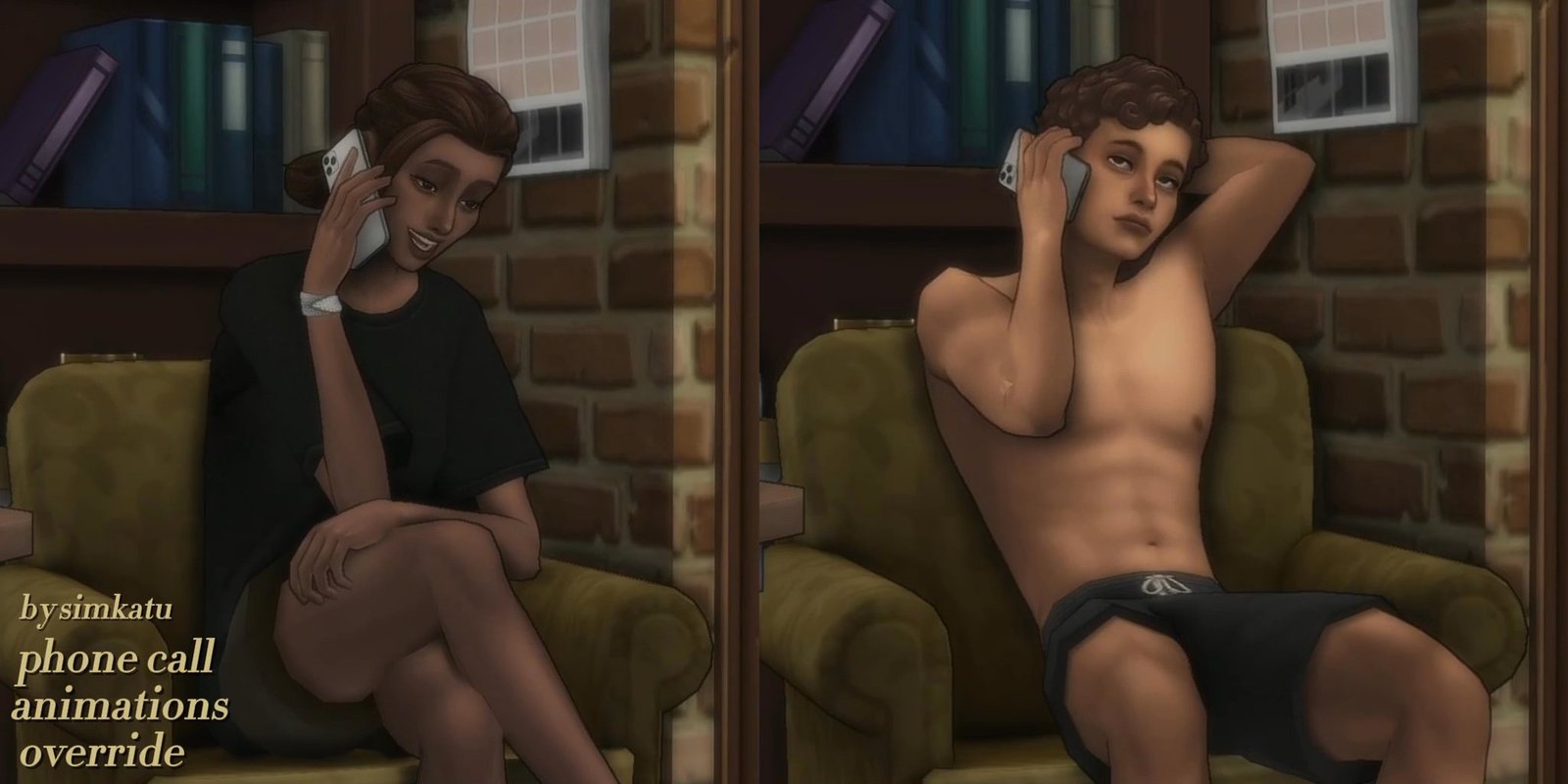
Phone Call Animations changes seated calls with four poses across dining or desk chairs and sofas or living chairs. It supports teens through elders, while other surfaces and video calls keep their existing animations. This is a visual override rather than a replacement for phone-call gameplay. The creator notes possible clipping at transitions and with pregnant Sims. An optional companion mod lets players select animation styles for individual Sims, so you can tailor the look without expecting every call to change.
05. Private Journal Override
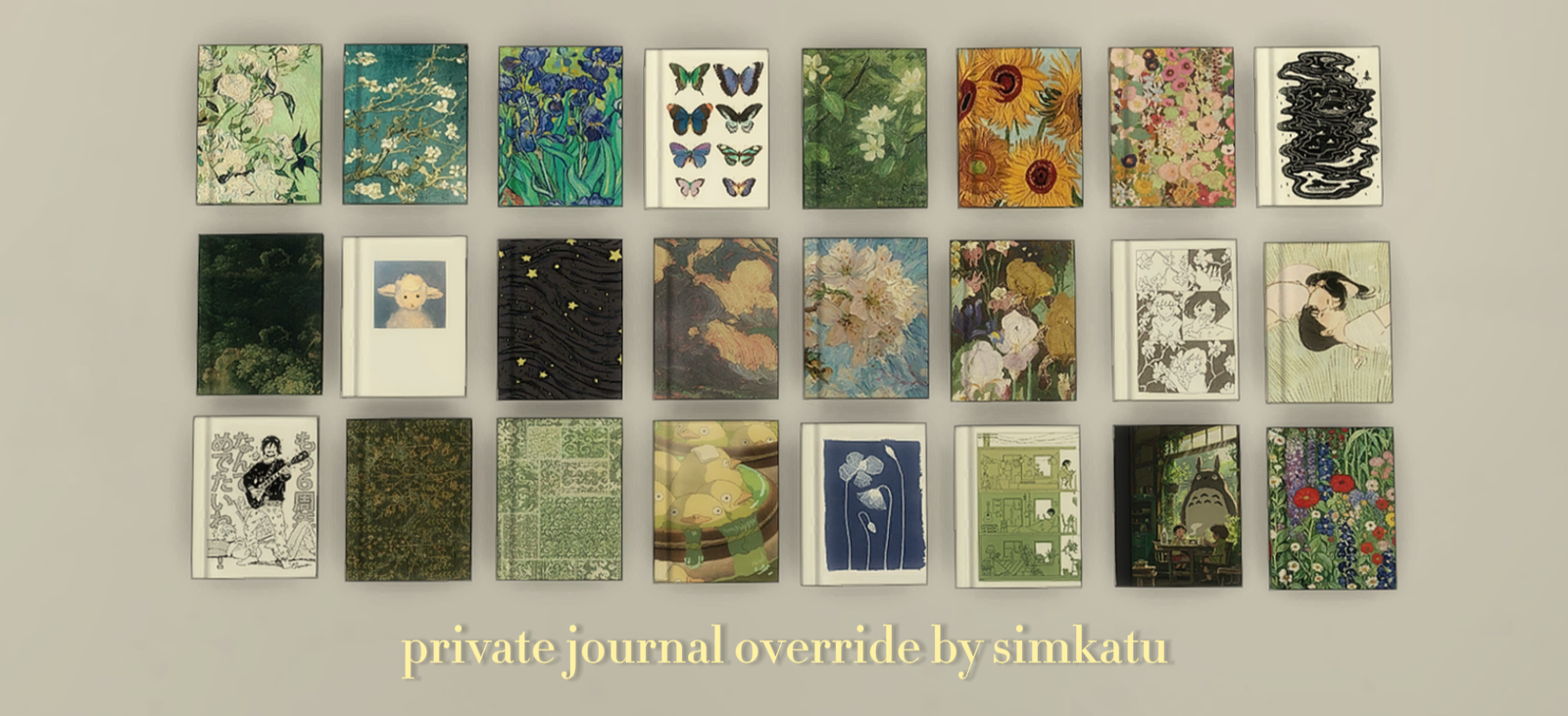
Refresh the look of the Parenthood private journal with replacement covers and inner-page textures. This find changes the journal’s appearance rather than adding a new writing system, making it a small companion to Simkatu’s writing animation override. Parenthood is required. The March 9, 2026 update fixes covers reverting to the first design. If you also use Andirz’s Extended Private Journal, download Simkatu’s compatibility add-on so the additional journals work with that mod.
06. Writing Animation Override
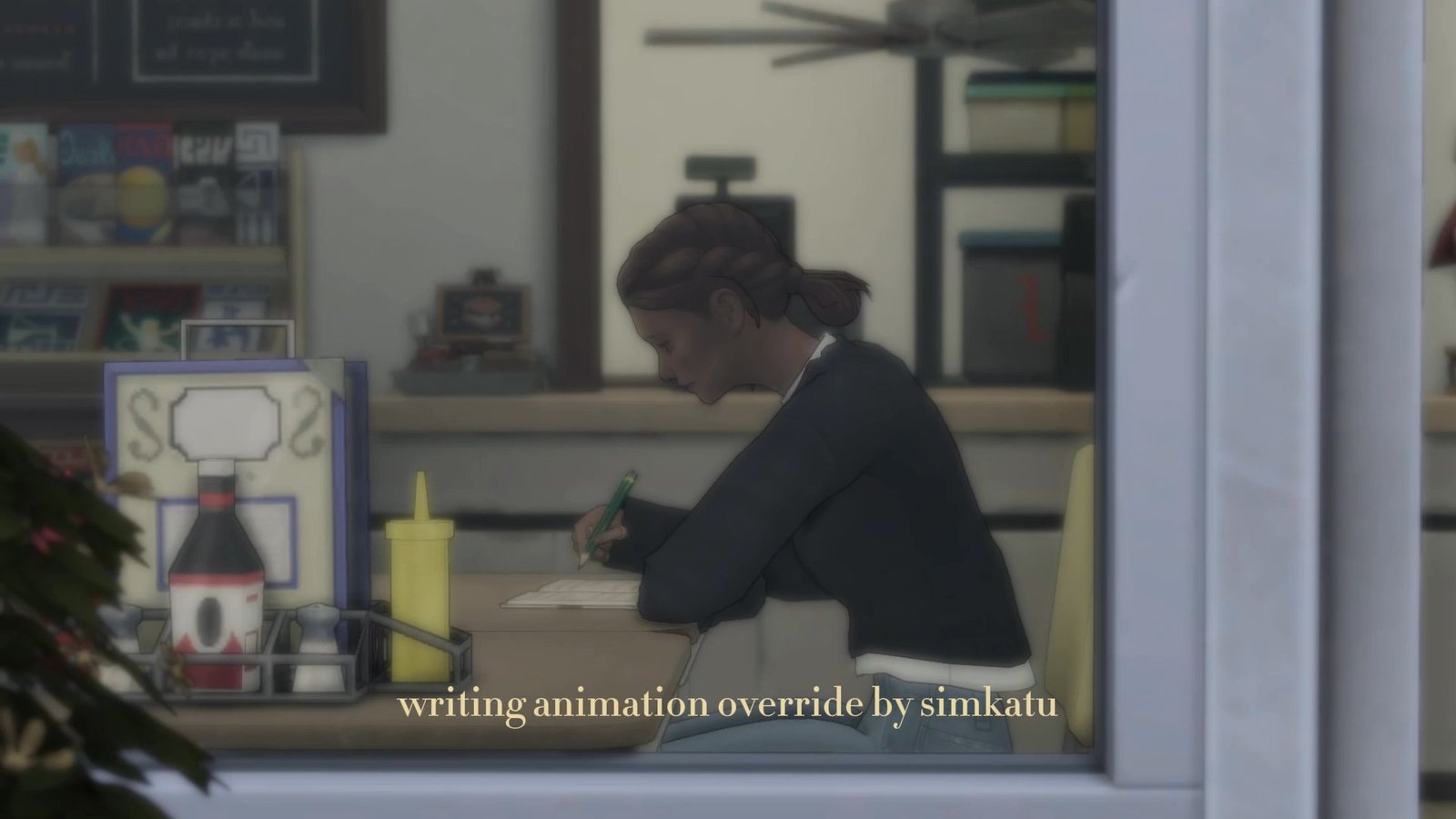
Writing Animation Override changes the motions used during homework and journal writing for children through elders. The replacements work at desks and dining tables, while kotatsu, bar tables and other surfaces retain the original animations. It is a useful visual addition for study corners, school routines and quiet journal scenes. Keep in mind that the override changes animations, not the underlying homework or journaling features; those activities still depend on the game content you own.
07. Relaxed TV Watching Override
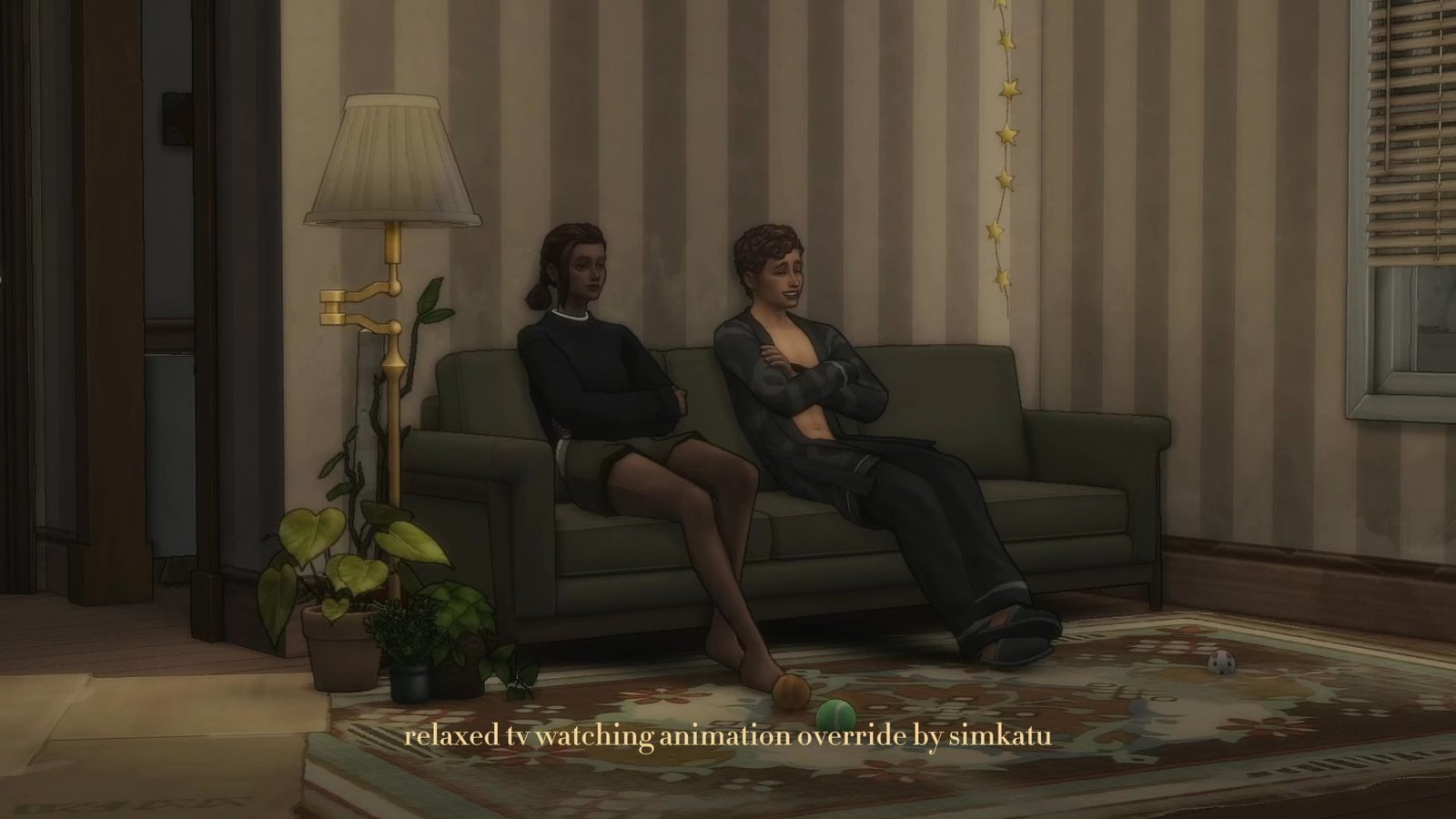
Relaxed TV Watching replaces supported television-channel animations for teens through elders sitting on sofas or living chairs. It does not apply to movies, custom channels, the New Year’s countdown or pregnant Sims. If a channel change leaves a Sim frozen in position, have them stand and sit again. The creator lists conflicts with specific Arnie Plumfruit and Luminova smart-TV files and Lazarusinashes’ Better Autonomy mod. Check the original notes before combining television mods.
08. Reading Animation Override 2.0 — Free Standard Version
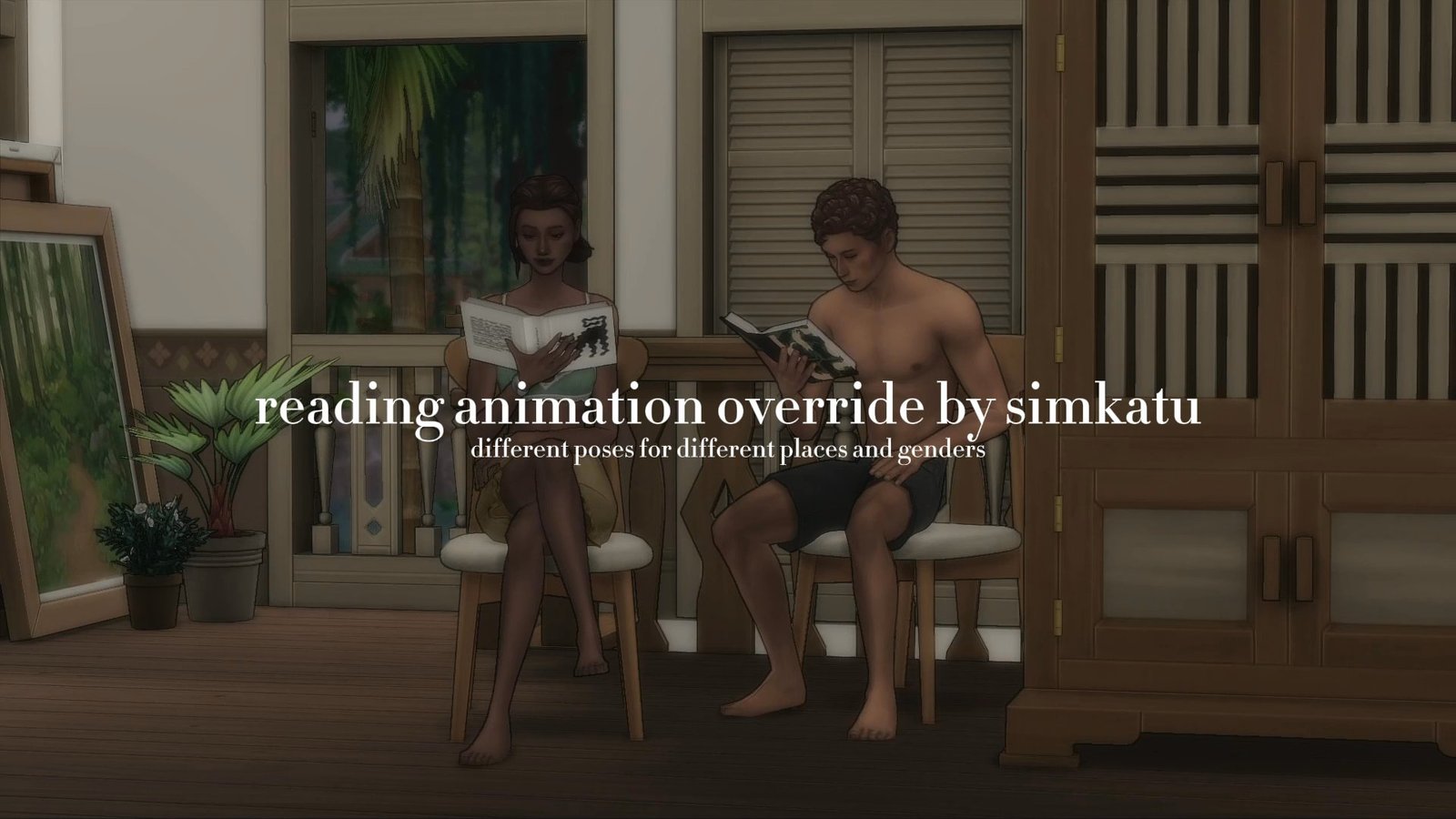
The free standard Reading Animation Override 2.0 adds eight reading poses across several seating locations, including chairs, sofas, beds and tables. The original post also links an extended subscriber version, which is separate from the free pick featured here. Remove the creator’s older reading override files before installing this version. Players with Life and Death should also download the supplied reading add-on fix. This is a cozy visual refresh for book lovers, with installation details worth reading first.
Installation Notes
Download the current files from Simkatu’s original Patreon posts and place the packages in Documents → Electronic Arts → The Sims 4 → Mods. Enable Custom Content and Mods and restart the game. Install required libraries separately and enable script mods for script-based dependencies. Keep script files no deeper than one subfolder.
Avoid installing multiple overrides that replace the same animations or textures. Follow each post’s version choices and remove superseded files before adding updates. Read Simkatu’s installation and troubleshooting guidance.
Which everyday activity would you give a visual refresh first? Save this list for your next mod-folder refresh.